AI STUDIO · IMAGE TO CARTOON

Turn a photo
into a cartoon.

Add a photo and get an anime, 3D or comic version that still looks like the original. The prompt is written and the model is picked for you.

Start creating

Opens Text to image in Postally. Generation uses credits, shown before you run.

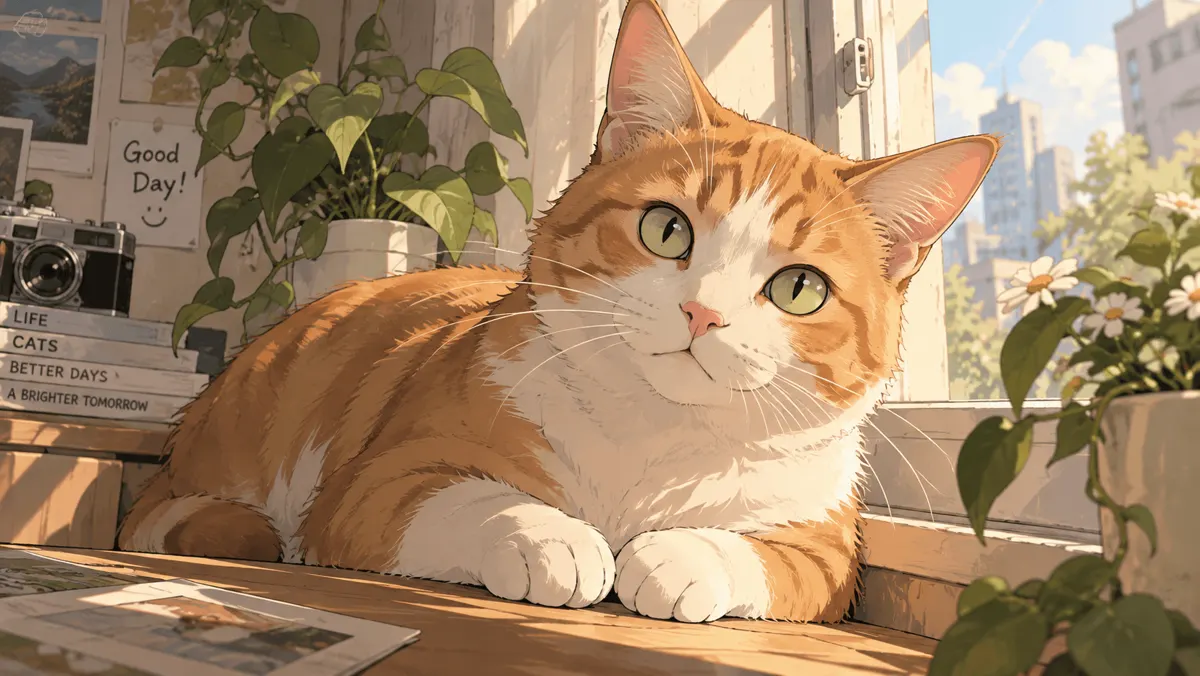
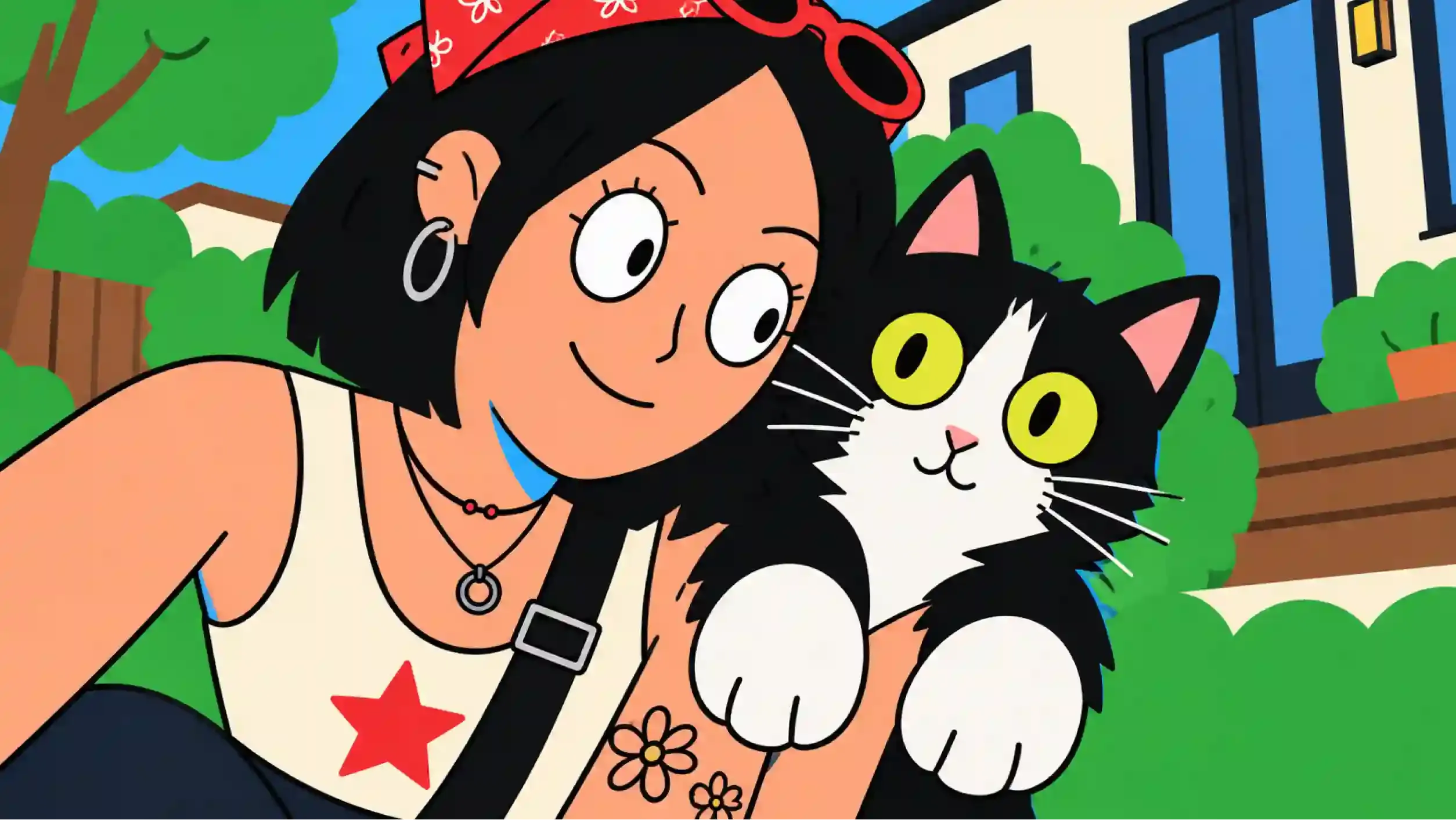
The same photo redrawn as a flat-color cartoon
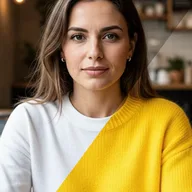
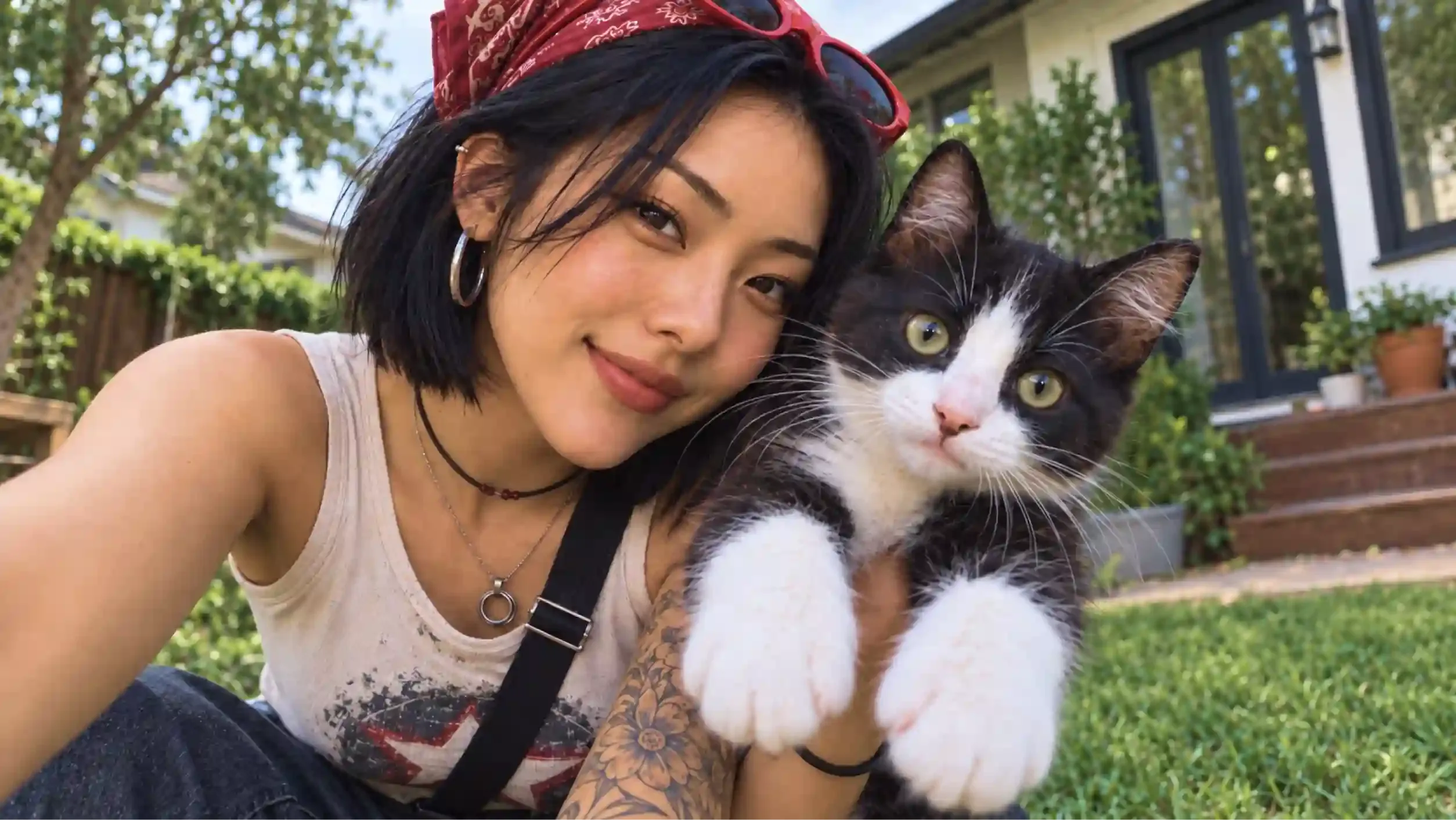
A photo of a woman holding a black and white cat
BeforeAfter

Drag the divider to compare the photo with its cartoon.

KEY FEATURES

A cartoon that is still your photo.

The style changes. The person, the pose and the scene stay the way you shot them.

  • Stays faithful to the photo.

    The prompt tells the model to keep the face, pose, clothing and background, and change only the style.

  • Up to 14 reference pictures.

    Add more than one photo when a group, a pet or an outfit matters.

  • The prompt is yours to edit.

    Start from ours, then change the look in plain words. Nothing is hidden behind a preset.

  • Pick the shape and size.

    Choose the aspect ratio and a resolution from 0.5K up to 4K before you generate.

  • Price shown before you run.

    The credits are on the Generate button, so you know the cost before anything is made.

  • Straight into your workflow.

    The cartoon lands in your library, ready to send for approval and schedule.

HOW IT WORKS

From photo to cartoon in three steps.

  1. Step 1

    Add your photo

    Open Text to image and add the photo as a visual reference. JPEG, PNG or WEBP.

  2. Step 2

    Check the prompt

    The cartoon prompt is already written. Edit it to change the style or what to keep.

  3. Step 3

    Generate and save

    The price is on the Generate button before you run. The result saves to your library.

WHAT YOU CAN MAKE

Pick a look. Get its prompt.

Each style opens Text to image with its own prompt written. Read it here first, then change anything you like in the tool.

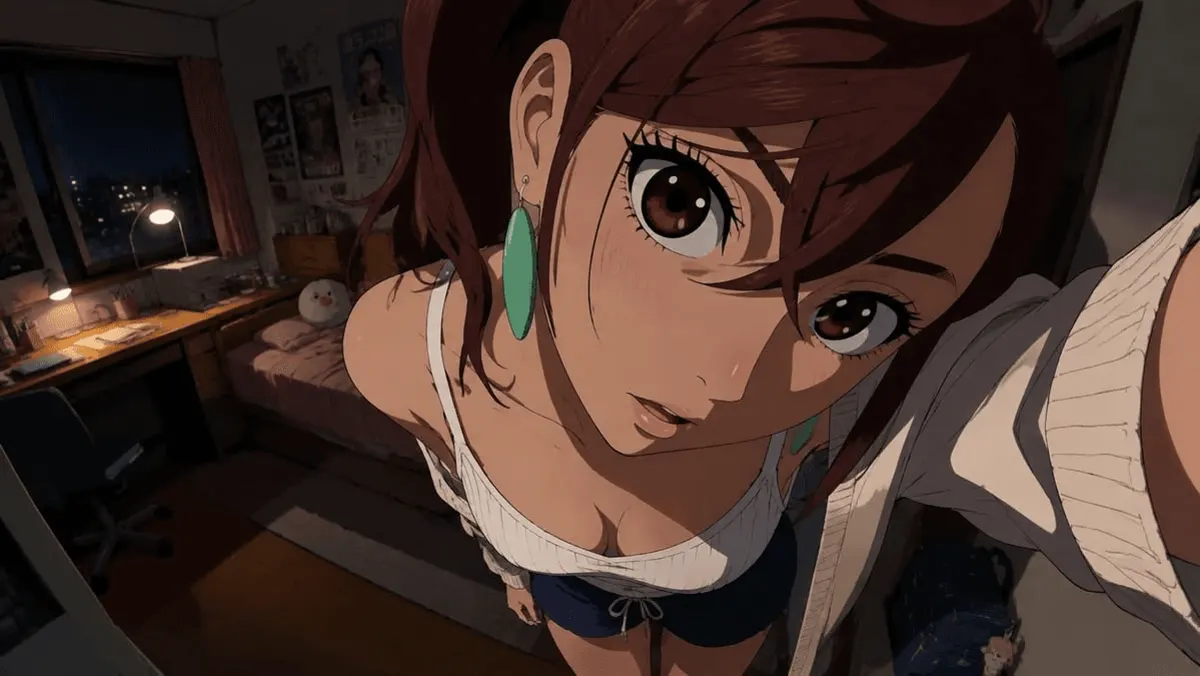
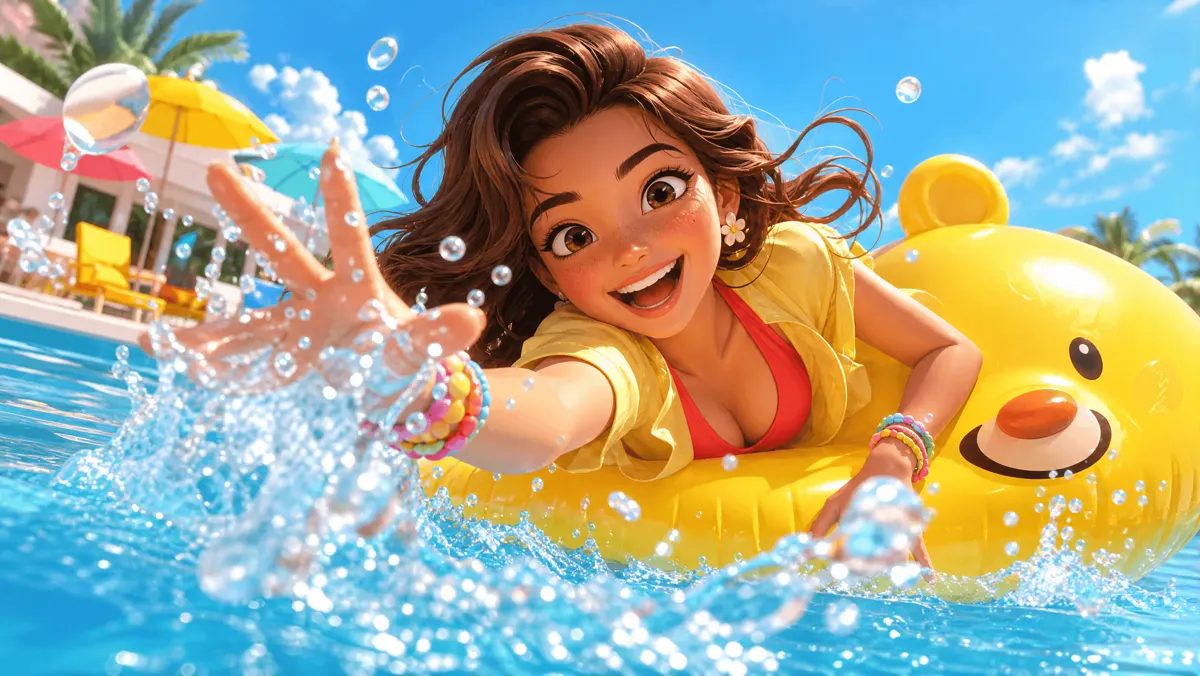
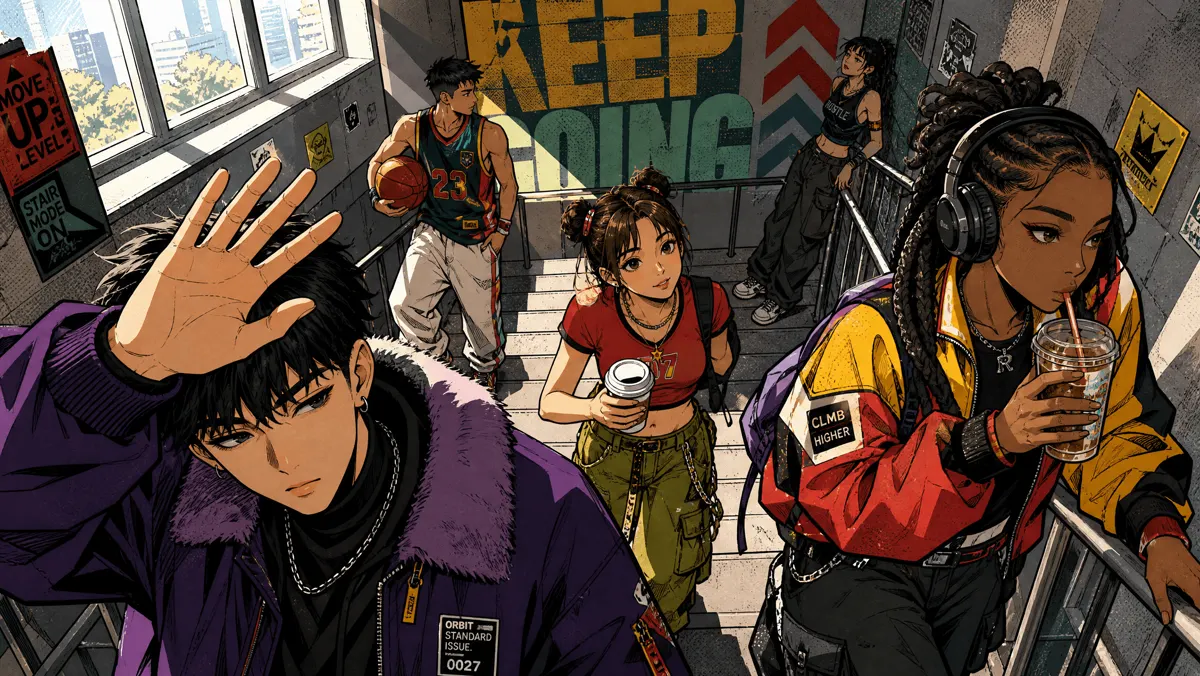
An anime-style portrait made from a photo

Anime and manga portraits

Crisp linework, flat colors and soft cel shading, like a frame from a modern anime.

Read the prompt

Convert the provided image into a high-quality 2D anime-style illustration while staying very faithful to the original image. Keep the same person, facial structure, hairstyle, expression, pose, clothing, accessories, camera angle, background layout, and composition. Use crisp anime linework, clean flat colors, soft cel shading, subtle highlights, expressive anime-style eyes, and refined 2D hand-drawn details. Avoid photorealism, 3D rendering, CGI, realistic skin texture, or major redesigns. The final result should look like a polished frame from a modern Japanese anime.
Try this style
A 3D cartoon character made from a photo

3D cartoon characters

Rounded shapes, big expressive eyes and soft studio light, like an animated feature.

Read the prompt

Convert the provided image into a stylized 3D animated-film character render while staying faithful to the original image. Keep the same person, facial structure, hairstyle, expression, pose, clothing, accessories, camera angle, background layout, and composition. Use rounded, appealing shapes, large expressive eyes, smooth stylized skin, soft global illumination and gentle rim light. Avoid photorealism, realistic skin texture, 2D linework, or major redesigns. The final result should look like a still from a modern 3D animated feature.

Try this style
A comic book illustration made from a photo

Comic book and ink

Bold outlines, halftone shading and strong contrast, like a printed comic panel.

Read the prompt

Convert the provided image into a comic book illustration while staying faithful to the original image. Keep the same person, facial structure, hairstyle, expression, pose, clothing, accessories, camera angle, background layout, and composition. Use bold black ink outlines, halftone dot shading, strong shadows and a limited, saturated color palette. Avoid photorealism, 3D rendering, soft gradients, or major redesigns. The final result should look like a panel from a printed comic book.

Try this style
A cartoon made from a pet photo

Pet photos to cartoon

A dog, a cat or any pet, with its markings, pose and expression kept recognizable.

Read the prompt

Convert the provided pet photo into a warm, friendly 2D cartoon illustration while staying faithful to the original image. Keep the same animal, breed, fur color and markings, eye color, pose, expression, camera angle, and background layout. Use clean outlines, soft flat colors, gentle shading and slightly larger, expressive eyes. Avoid photorealism, 3D rendering, realistic fur texture, or turning it into a different animal. The final result should look like a character from a hand-drawn animated film.

Try this style
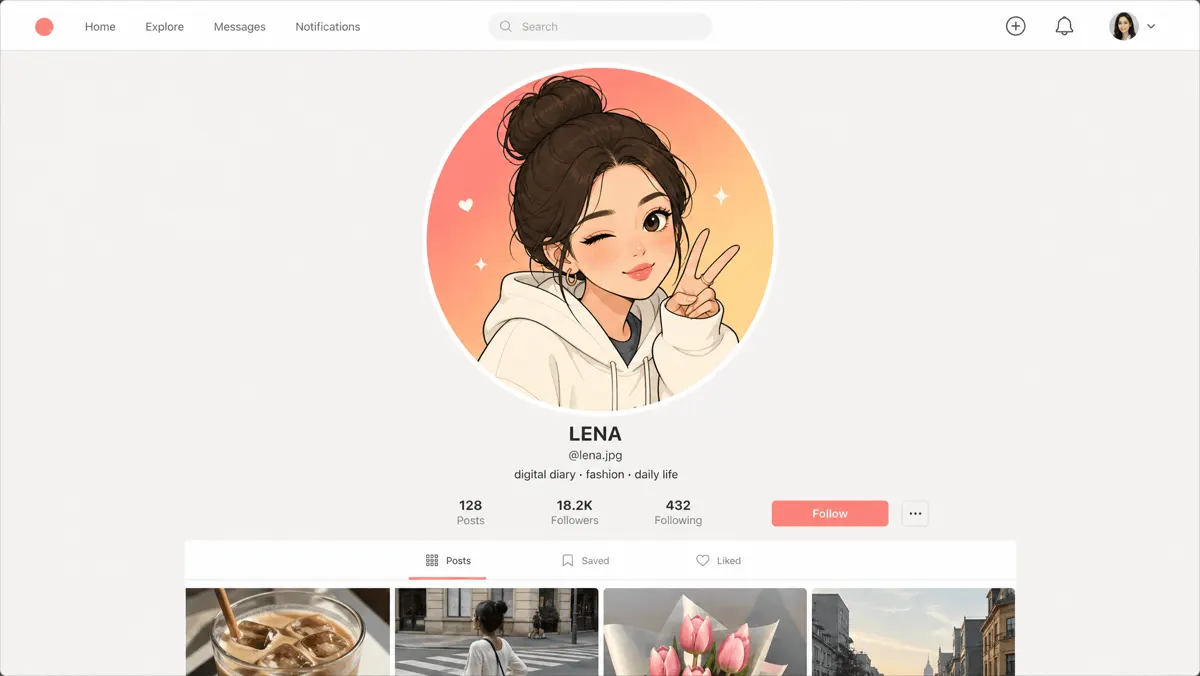
A cartoon avatar made from a headshot

Cartoon avatars for social

A clean, simple cartoon version of your headshot for a profile picture.

Read the prompt

Convert the provided headshot into a clean, simple cartoon avatar while staying faithful to the original image. Keep the same person, facial structure, hairstyle, expression, clothing, and accessories. Use smooth outlines, flat colors, minimal shading and a plain single-color background, framed from the shoulders up and centered. Avoid photorealism, 3D rendering, realistic skin texture, or major redesigns. The final result should work as a profile picture at small sizes.

Try this style

MODELS

Start on one model. Switch any time.

The link selects Nano Banana 2. Text to image offers these too, and you can change the model before you generate.

  • Google

    Nano Banana 2Selected

    The one this page selects. Edits from up to 14 reference pictures, 0.5K to 4K.

  • Google

    Nano Banana 2.1

    The newest Nano Banana. 1K to 4K, with up to 14 reference pictures.

  • Google

    Nano Banana Pro

    The most capable Nano Banana. 1K to 4K, with up to 14 reference pictures.

  • OpenAI

    GPT Image 2

    You choose the quality, at any size up to 4K.

  • ByteDance

    Seedream 5.0 Pro

    Precise edits to one region that keep the rest of the frame. Up to 10 reference pictures.

QUESTIONS

Before you start.

Select Start creating. Text to image opens in Postally with the cartoon prompt written and Nano Banana 2 selected. Add your photo as a visual reference and generate.

The link selects Nano Banana 2 from Google, which can edit from reference pictures. You can switch to another image model in the tool before you generate.

The prompt asks the model to keep the same person, face, hairstyle, expression, pose and clothing and change only the drawing style. Results vary from run to run, so generate more than one and keep the best.

Yes. Each style on this page opens the tool with its own prompt, and you can edit the prompt in the tool to describe any other look.

AI generation uses credits. The tool shows the credits for a run on the Generate button before you start. See the pricing page for the current plans.

Yes. The link opens the tool inside Postally, so you sign in first.

IMAGE TO CARTOON

Your photo, redrawn.

Open Text to image with the prompt written and the model selected. Add your photo and generate.

Start creating